Viewing Poll Reports
Navigation Path:Content → Poll Reports
Overview:
The Poll Reports section provides detailed analytics for all polls created on the platform. It helps admins measure the effectiveness of polls across different communities.
When to Use:
-
Reviewing poll results after completion.
-
Analysing participation trends to improve future polls.
Viewing Poll Analytics:
-
Navigate to Content → Poll Reports.
-
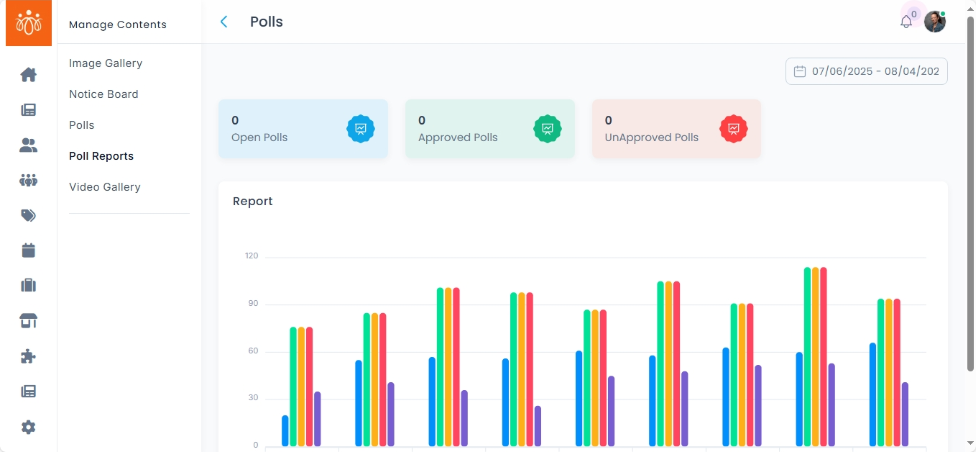
View reports by using the filter to view reports from a specific time period or custom range
- The number of open, approved and unapproved polls from that specific range will be displayed.
- Under reports, you can view the performance of individual communities in each poll as a visual bar chart.
Using Filters:
-
Date Range Filter – View polls conducted within a specific period.
Best Practices:
-
Use participation data to identify the most engaging topics and formats.
-
Compare results across different time periods to track trends.
-
Share highlights from poll reports with members to encourage transparency and engagement.