Logging In to the Admin Dashboard
Overview:
The Jumbow admin dashboard is accessible only to users with administrator credentials. This secure login ensures that only authorized personnel can manage members, content, settings, and other administrative functions.
Steps to Log In:
-
Go to the Admin Login URL
-
Open a web browser and navigate to your organization’s admin login page.
-
Example format:
https://[yourorganization].jumbow.net/portal/login
-
-
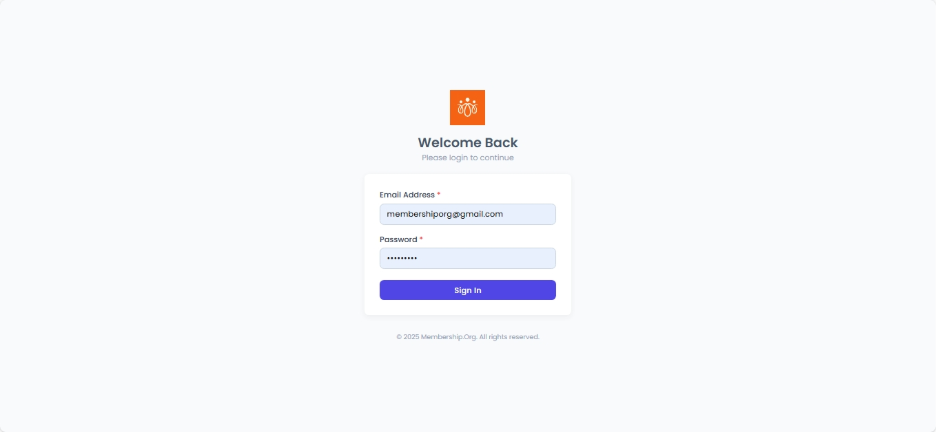
Enter Your Credentials
-
Email Address – Use the registered admin email.
-
Password – Enter your assigned password.
-
-
Sign In
-
Click Sign In to access the dashboard.
-
-
Access Control
-
Only users with admin access will be able to proceed beyond this screen.
-
If you attempt to log in without admin rights, you will be denied access.
-
Best Practices:
-
Keep your admin credentials secure and never share them with unauthorized users.
-
Use a strong password that includes a mix of letters, numbers, and symbols.
- If you forget your password, use the Forgot Password link on the login page to reset it.