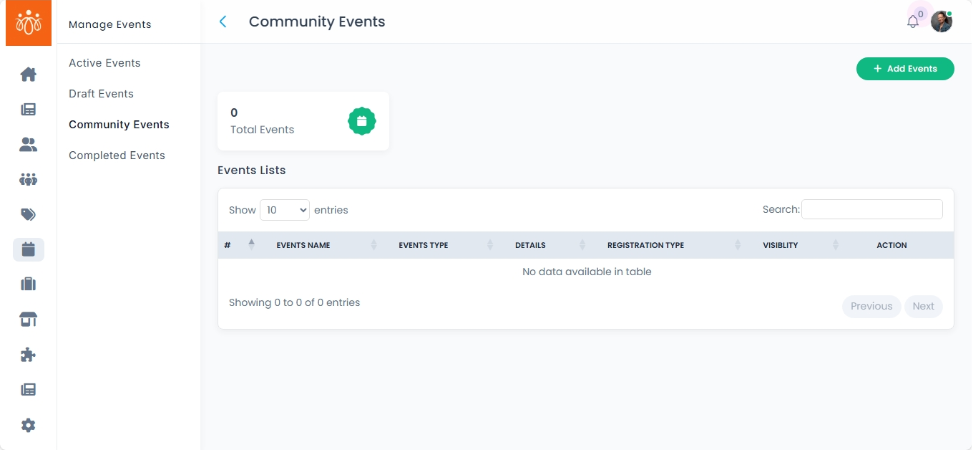
Linking Events to Communities
Overview:
When adding or editing an event, you have the option to link the event to a specific community using a dropdown menu. Associating an event with a community allows it to appear directly in that community’s feed, ensuring targeted visibility and appropriate access controls.
When to Use:
-
You want to promote events within relevant communities to reach the right audience.
-
You need to manage event access based on community membership and permissions.
-
You want to centralize event discussions and participation within a community environment.
Steps to Link an Event to a Community:
-
Access Add or Edit Event Form
Navigate to the event creation or editing interface. -
Select Community from the Dropdown
Find the community dropdown menu.
Choose the specific community to associate with the event. -
Save Event Details
Complete any other event fields as needed.
Click Save or Publish to update the event with the linked community.
Benefits:
-
Events appear in the selected community’s feed, increasing relevant visibility.
-
Access to the event is controlled by the community’s membership and settings.
-
Enhances targeted communication and engagement around the event.
Tip:
Always link events to the most relevant community to maximize participation and ensure proper access management.