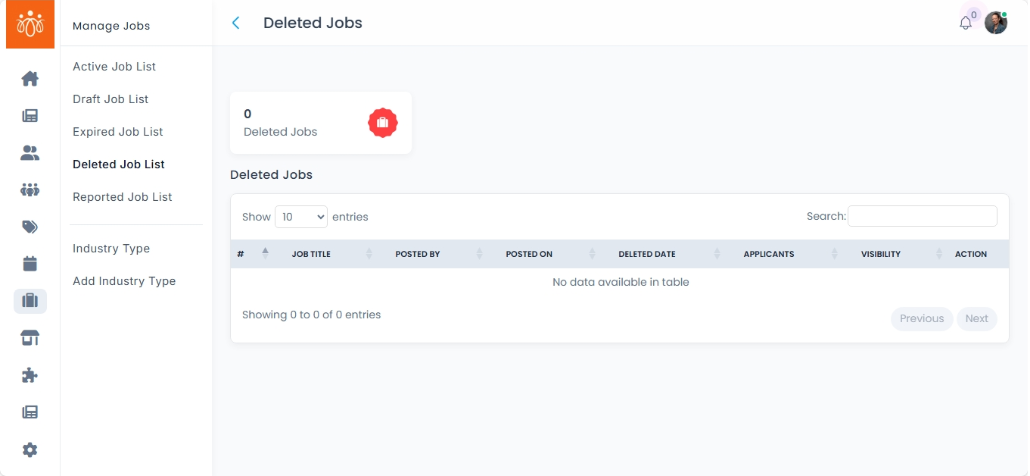
Managing Deleted Job List
Navigation Path:
Jobs → Deleted Job List
Overview:
The Deleted Job List displays all job postings that have been manually removed from the active job listings. This section allows administrators to manage these records.
When to Use:
-
You want to review jobs that were previously removed from the platform.
-
You intend to disable visibility and access to specific job listings.
Steps to Manage Deleted Jobs:
-
Access Deleted Job List
Navigate to Deleted Job List under the Jobs menu to see all manually removed job postings. -
Review Deleted Jobs
Browse the list to identify jobs that may need to be restored or permanently deleted.
Best Practices:
-
Maintain accurate records to support audit and compliance requirements.
Tip:
Use the Deleted Job List to effectively manage your job postings and maintain an organized and current job board.