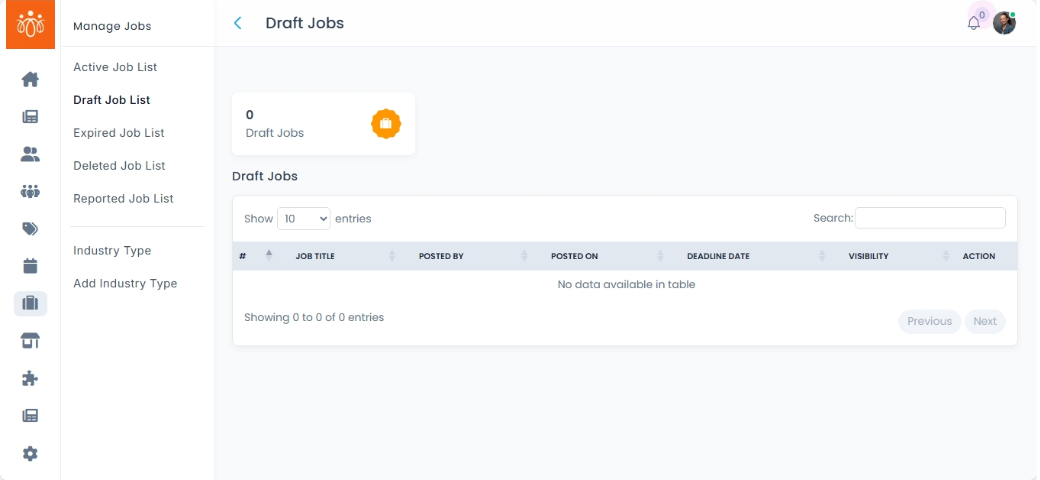
Managing Draft Job List
Navigation Path:
Jobs → Draft Job List
Overview:
The Draft Job List section contains all job postings that have been saved as drafts but are not yet published. This area enables administrators to review and finalize job posts before making them publicly available on the job board.
When to Use:
-
You want to review job postings that are in progress and not yet live.
- You want to manage and organize your job postings workflow efficiently.
Steps to Manage Draft Job Listings:
-
Access Draft Job List
Navigate to Draft Job List under the Jobs menu to view all saved job drafts.
Best Practices:
-
Regularly check jobs to maintain a current and comprehensive job board.
-
Ensure all job details are accurate and comply with organizational standards before publishing.