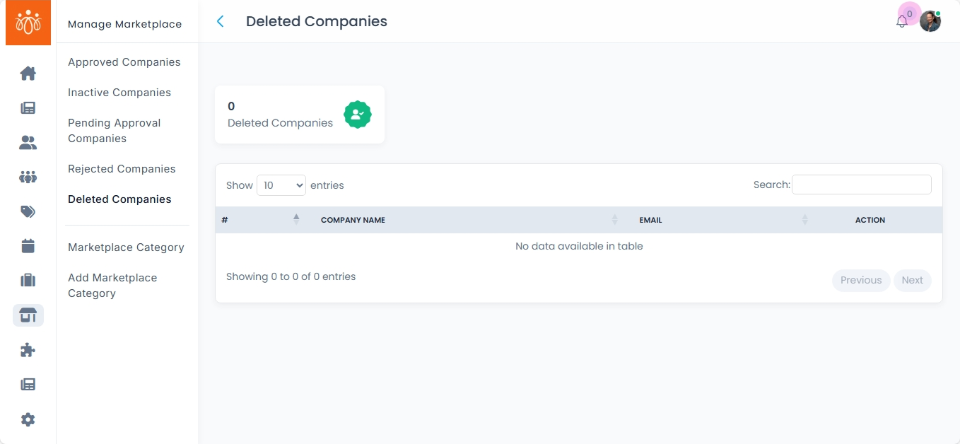
Managing Deleted Companies in the Marketplace
Navigation Path:Marketplace → Deleted Companies
Overview:
The Deleted Companies section displays all company listings that have been removed from the marketplace. These listings are not visible to the public or vendors but remain in the system, allowing admins to delete them if needed.
When to Use:
-
Reviewing companies that were removed due to inactivity, compliance issues, or vendor request.
Available Actions:
-
View Deleted Companies List
-
Navigate to Marketplace → Deleted Companies to see all removed listings.
-
Each listing includes the Company Name, Date Deleted, and (if available) Reason for Deletion.
-
Best Practices:
-
Always double-check before deleting.
-
Keep a record of deletion reasons for audit and compliance tracking.