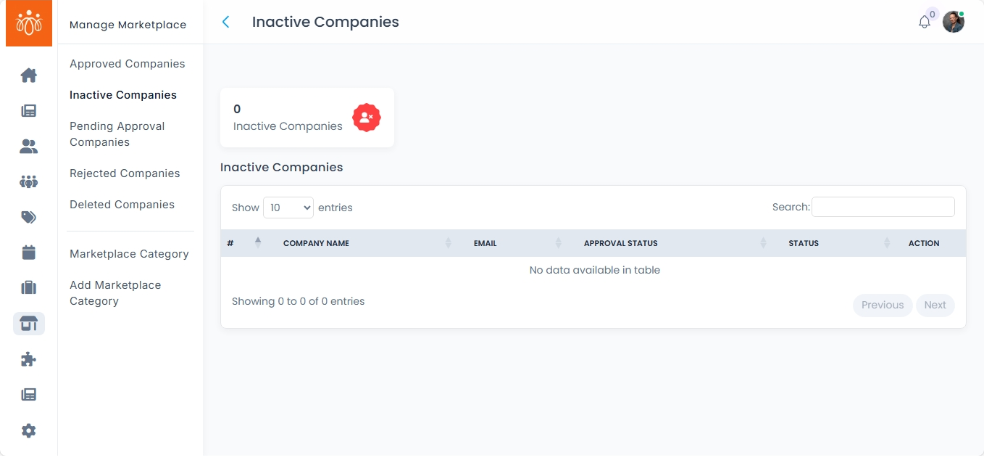
Managing Inactive Companies in the Marketplace
Navigation Path:Marketplace → Inactive Companies
Overview:
The Inactive Companies section displays all companies that have been temporarily hidden from the public marketplace. These companies are not visible to members or the general public until reactivated.
When to Use:
-
A company’s listing has expired or is under review.
-
The company requested a temporary pause in marketplace visibility.
-
Admin needs to hide the company for compliance or policy reasons.
Available Actions:
-
Activate Company
-
Click on the Activate button next to the company name.
-
Confirm the action in the pop-up prompt.
-
Once activated, the company will be visible in the marketplace again and accessible to all users.
-
-
Remove Company
Click on the Move to Trash icon next to the company listing.-
Confirm removal in the warning dialog.
-
Only use this option when the company is no longer part of the marketplace ecosystem.
-
Best Practices:
-
Always verify the reason for inactivity before reactivation.
-
For compliance issues, ensure documentation is complete before making the company visible again.
-
Maintain an internal record of companies removed for audit purposes.