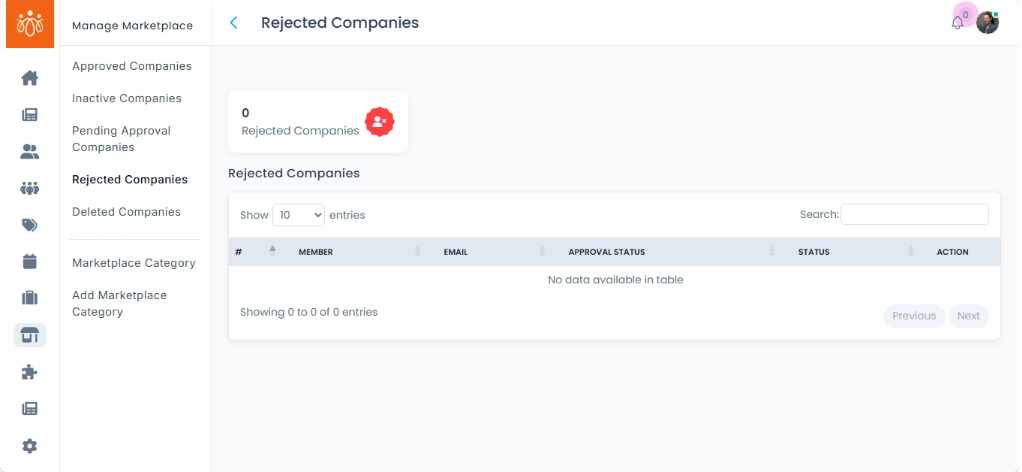
Managing Rejected Companies in the Marketplace
Navigation Path:Marketplace → Rejected Companies
Overview:
The Rejected Companies section lists all companies whose listings did not meet the marketplace approval criteria. These companies have been denied marketplace visibility, and the rejection reason is recorded for reference. Admins can review these cases, communicate with the company, and optionally reinvite them to resubmit after corrections.
When to Use:
-
Reviewing the rejection history for transparency and compliance.
-
Following up with companies to help them meet marketplace standards.
-
Reinviting companies that have resolved the issues from their initial submission.
Available Actions:
-
View Rejection Details
-
Click the View button next to the company name.
-
Check the provided Rejection Reason (e.g., missing documents, incomplete profile, policy violation).
-
-
Reinvite for Resubmission
-
If the company has corrected the issues, click the Reinvite or Resubmit Request option.
-
This sends an email notification to the company with instructions to update and resubmit their listing.
-
-
Maintain Records
-
Keep a log of rejected companies for future reference or audit purposes.
-
Ensure all rejection reasons are documented clearly to maintain fairness and consistency in approvals.
-
Best Practices:
-
Be specific and constructive in rejection reasons to guide the company in making improvements.
-
Avoid approving companies without verifying corrections.
-
Use the reinvite feature to encourage quality marketplace participation rather than leaving listings permanently rejected without follow-up.