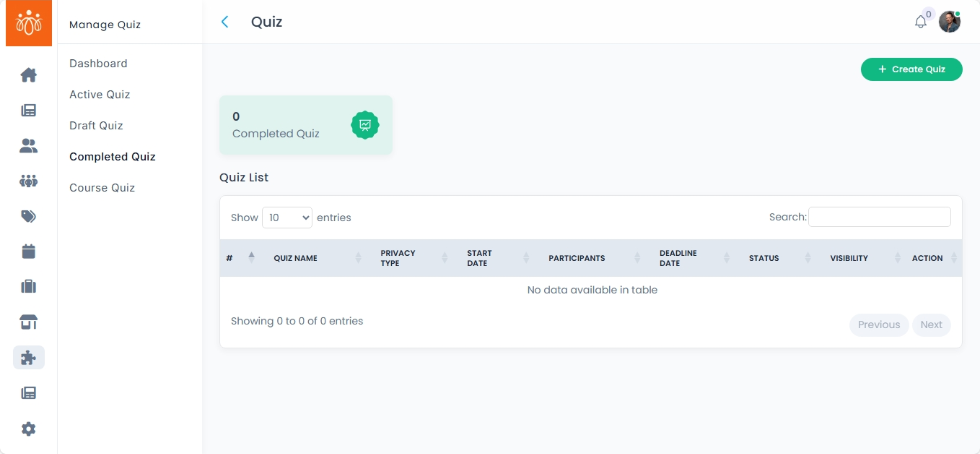
Viewing Completed Quizzes
Navigation Path:Quiz → Completed Quiz
Overview:
The Completed Quiz section displays all quizzes that have reached their deadline dates . It provides detailed performance metrics, allowing admins to review individual and group results, analyse answer patterns, and assess overall engagement. This section is essential for tracking knowledge retention, evaluating training effectiveness, or running competitions.
When to Use:
-
Reviewing results from training or educational quizzes.
-
Checking participant performance for scoring or certification.
-
Analyzing quiz engagement and completion trends.
Features & Actions:
-
View the Completed Quiz List
-
Navigate to Quiz → Completed Quiz.
-
The list will display:
-
Quiz Title
-
Start and Deadline Date
-
Total Participants
-
-
Best Practices:
-
Use completion data to identify knowledge gaps and improve quiz content.
-
Highlight high performers in leaderboards or recognition programs.
-
Monitor time spent to gauge difficulty level and adjust future quizzes accordingly.